> ## Documentation Index
> Fetch the complete documentation index at: https://docs.luminicad.com/llms.txt
> Use this file to discover all available pages before exploring further.
# Welcome to LuminiCAD
> Design CAD models through natural language
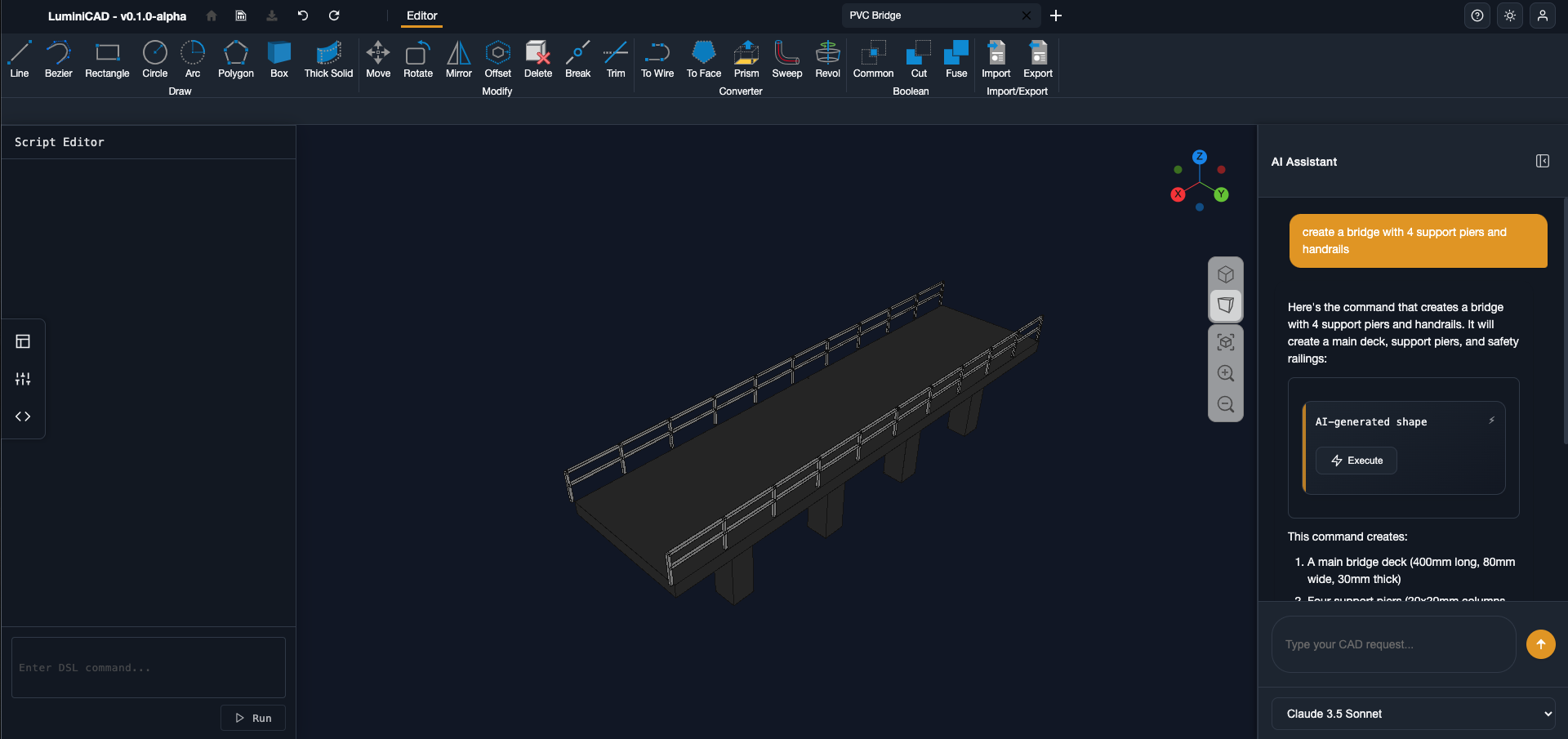
 ## Design Through Text
LuminiCAD helps engineers and designers create 3D models in a more natural way. Simply describe what you want to build, and we'll help you turn those ideas into precise CAD models.
Create your first model in minutes
Learn the basics of text-based modeling
Write simple scripts for complex shapes
Browse ready-to-use components
## Why Use LuminiCAD?
* **Natural Input**: Describe your models in everyday language
* **Simple Scripting**: Use basic commands to create detailed designs
We're currently in early beta. Join us to try LuminiCAD early and help us make it better.
## Design Through Text
LuminiCAD helps engineers and designers create 3D models in a more natural way. Simply describe what you want to build, and we'll help you turn those ideas into precise CAD models.
Create your first model in minutes
Learn the basics of text-based modeling
Write simple scripts for complex shapes
Browse ready-to-use components
## Why Use LuminiCAD?
* **Natural Input**: Describe your models in everyday language
* **Simple Scripting**: Use basic commands to create detailed designs
We're currently in early beta. Join us to try LuminiCAD early and help us make it better.